
Capa Huawei P40 Lite Hybrid Matte


Capa Huawei P40 Lite Hybrid Matte
Pickup currently not available
The Huawei P40 Lite Hybrid Matte case is designed exclusively for the Huawei P40 Lite. On this page, you can choose one of three colors—white, black, or red—and each selection corresponds to a single case. The phone model is now explicitly associated with the variant so that it also appears in the cart and order preparation information.
\n\nHuawei P40 Lite Hybrid Matte case: correct compatibility
\nThis case was configured for the Huawei P40 Lite. Do not select the item for the Huawei P40, P40 Pro, P40 Lite E, or other devices with a similar name. Dimensions, camera position, buttons, and ports vary between models; a case intended for another phone may not fit correctly.
\nTo confirm the device, check the model name in the phone settings or the original documentation. The designation should indicate Huawei P40 Lite without the letter E. The chosen color only changes the color option of the case on this page; it does not change the compatible model.
\n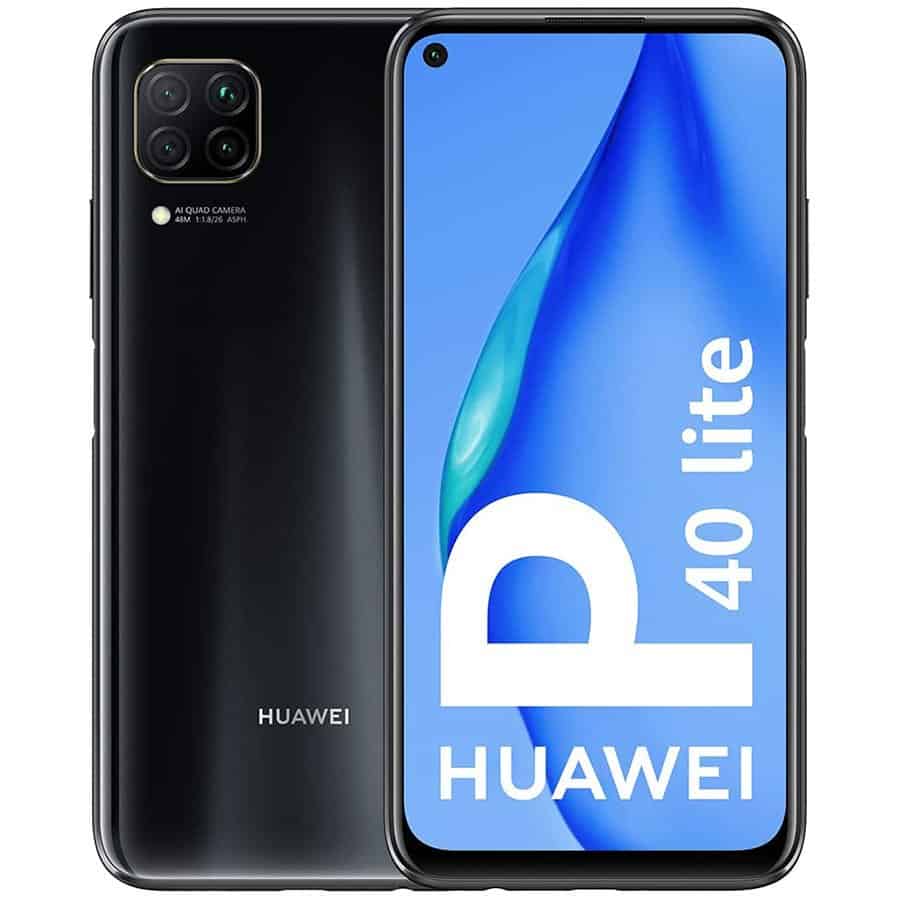
White, black, or red
\nThe Huawei P40 Lite Hybrid Matte case is available in White, Black, and Red options. Select a color before adding it to the cart. The cart summary should show both the Huawei P40 Lite model and the chosen color, allowing you to review the combination before completing the purchase.
\nEach color corresponds to an independent variant of the same product. Quantity 1 means one case in the selected color, not a set with all three colors. To receive more than one option, add each desired color separately and confirm the lines in the cart.
\nHow to put on the case without forcing it
\nBefore installation, remove dust or particles from the back of the phone. First, insert one side and press the remaining corners with gentle movements until the case settles. Check that the camera opening, buttons, and charging area are aligned with the Huawei P40 Lite.
\nIf fitting the case requires excessive force or if the cutouts do not match, stop the installation and reconfirm the model. Do not cut, heat, or deform the case to adapt it to another device. To remove it, loosen one corner and gradually move along the sides, without pulling only from a narrow area.
\nProtection during daily use
\nThe case creates a barrier between the back and sides of the phone and the surfaces it contacts during normal use. It can help reduce handling marks and visible wear in common situations, such as carrying it in a pocket, bag, or backpack. No case makes the device invulnerable to drops or pressure.
\nKeep coins, keys, and sharp objects away whenever possible. When placing the phone down, choose a stable and clean surface. Effective protection also depends on the case remaining properly fitted and free of debris between the accessory and the device.
\nRegular cleaning of the case and phone
\nPeriodically remove the Huawei P40 Lite Hybrid Matte case to clean both surfaces. Use a soft, slightly damp cloth and dry completely before reassembling. Avoid abrasive products, solvents, excessive alcohol, stiff brushes, and direct heat.
\nDo not put the case back on while there is moisture or particles inside. The accumulation of dust can create friction and mark the phone's surface. If the case is deformed or no longer fits evenly, do not force it.
\nAdditional information and useful links
\nTo view other compatible accessories, visit the Película de Vidro store and confirm the model indicated in the title of each product. For official information about the device, visit the Huawei support area in Portugal. The external link is for device identification and assistance; it does not constitute a certification of this case.
\nWhat you receive in each unit
\nBy selecting quantity 1, you receive a single Hybrid Matte case for the Huawei P40 Lite in the chosen color. The phone, screen protectors, cables, chargers, and other accessories are not included. Review the “Huawei P40 Lite” indications and the color in the cart before finalizing.
\nThis confirmation prevents confusing the Huawei P40 Lite Hybrid Matte case with cases intended for other models. The device name was added to the variant structure precisely to make order preparation and review clearer.
\n